
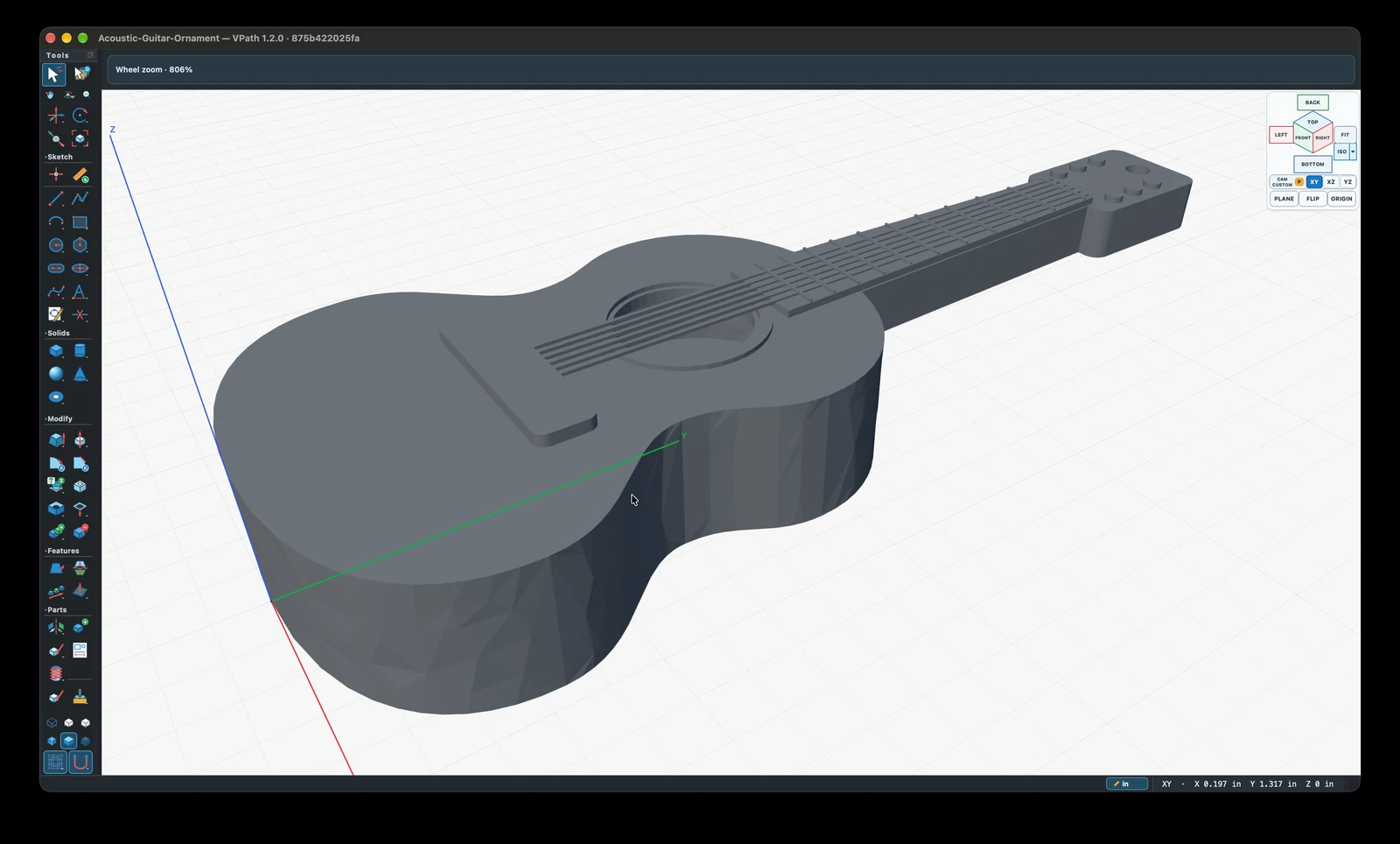
Acoustic guitar ornament
A miniature guitar with a shaped body, sound hole, bridge, strings, and frets.
Download projectShape your ideas into precise solid models, drawings, and CNC toolpaths in one desktop workspace. Work hands-on, or connect your favorite AI assistant through MCP to help build and refine your designs.


Available now for macOS and Windows.
VPath combines exact geometry with direct manipulation and a visible associative history. It is designed for people who want precision without switching between disconnected tools.
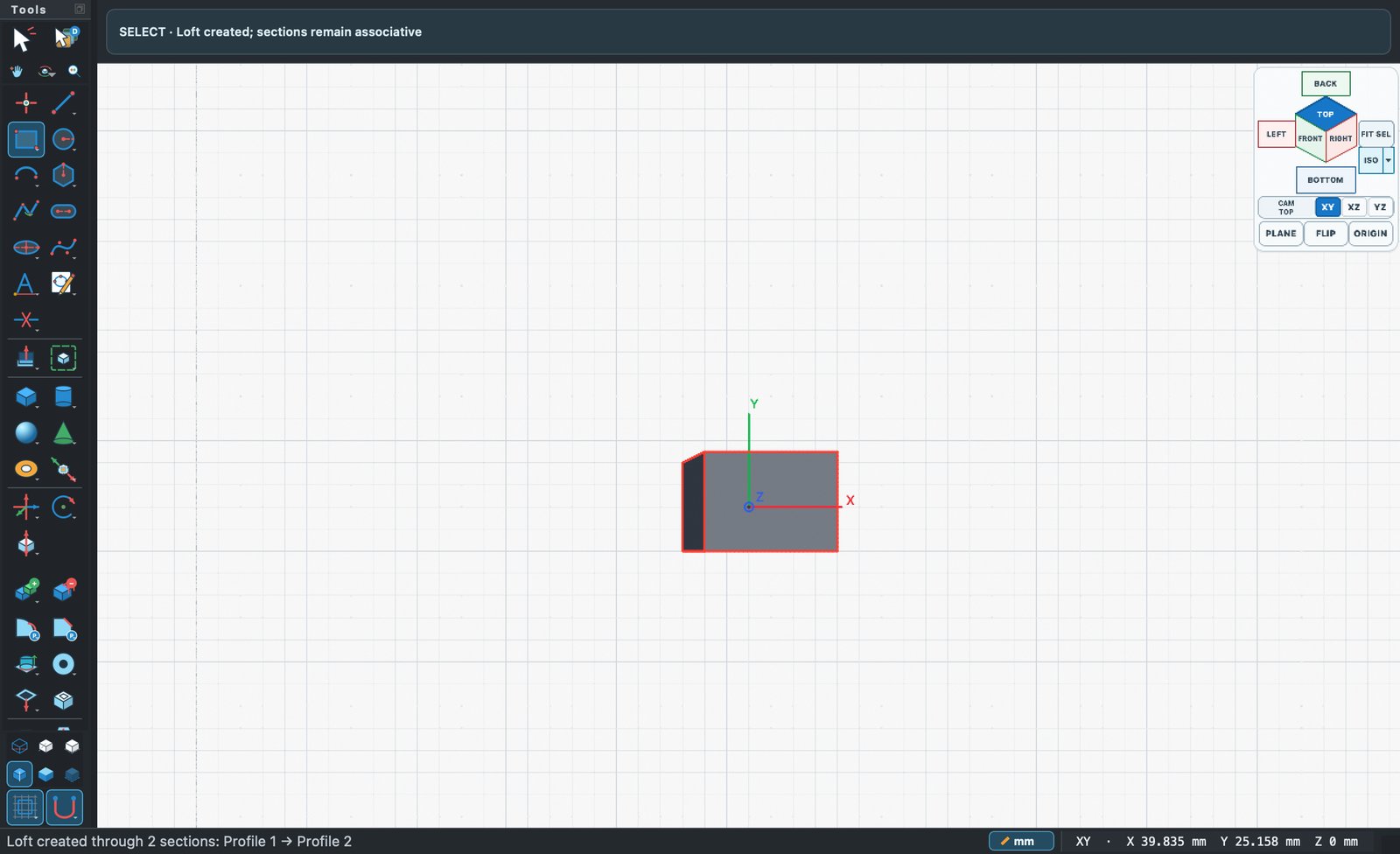
Draw exact profiles, create ready-made solids, then extrude, revolve, sweep, loft, shell, blend, pattern, and edit faces in place.
Profiles, solids, construction geometry, assemblies, drawings, and CAM setups remain linked through an editable feature history.
Native VPath documents include integrity checks and embedded geometry. There is no VPath account, cloud dependency, telemetry, or online activation.
The same geometry carries through each stage, so a design change does not become a manual handoff problem.
Use direct canvas gestures or enter unit-aware dimensions. Construction planes, constraints, profiles, and derived features remain editable, while OCCT-backed B-rep geometry supplies validation, tessellation, and mass properties.
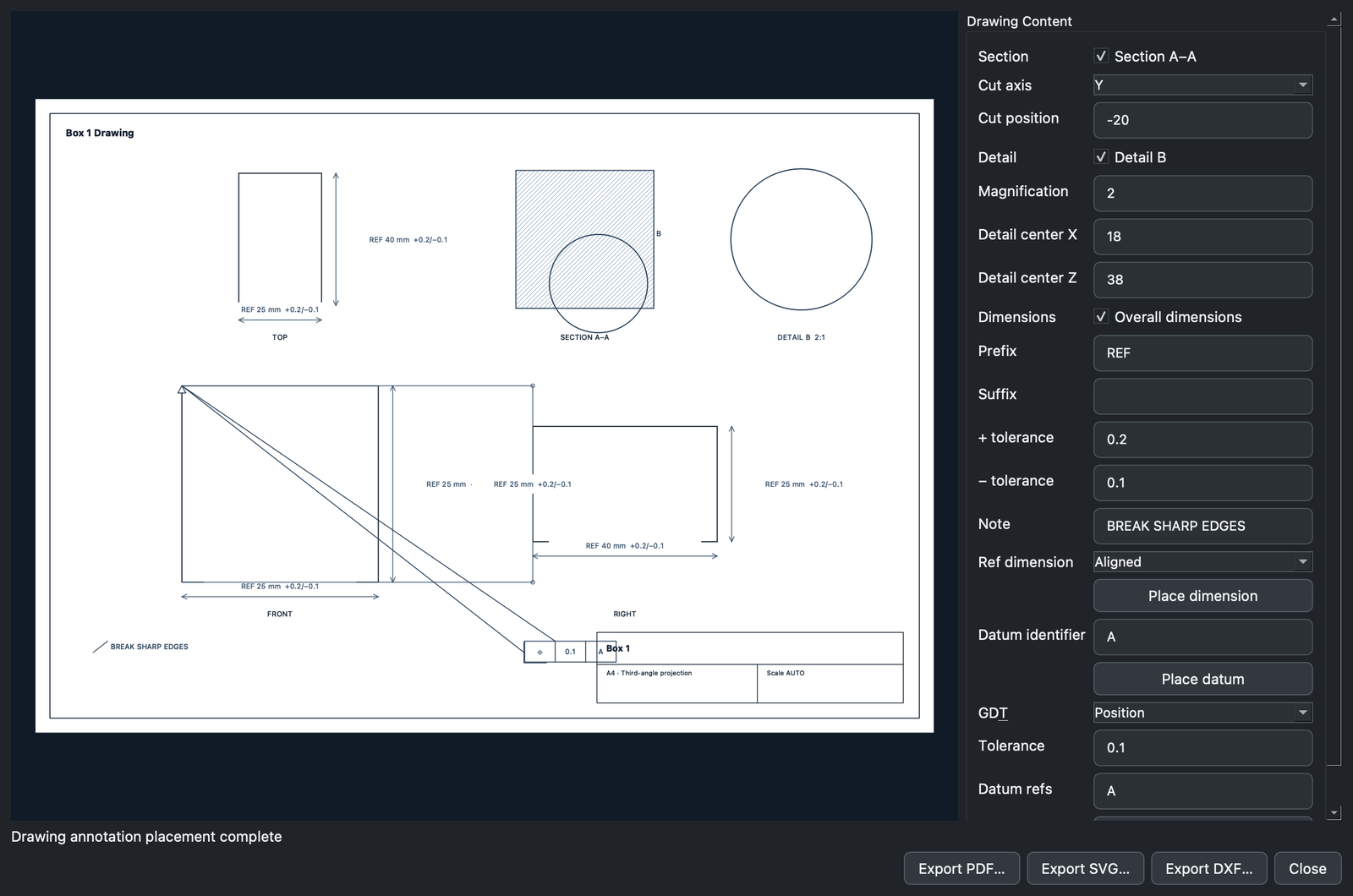
Create orthographic, section, and detail views; place dimensions, tolerances, notes, datums, and geometric controls; then export a drawing as PDF, SVG, or DXF.
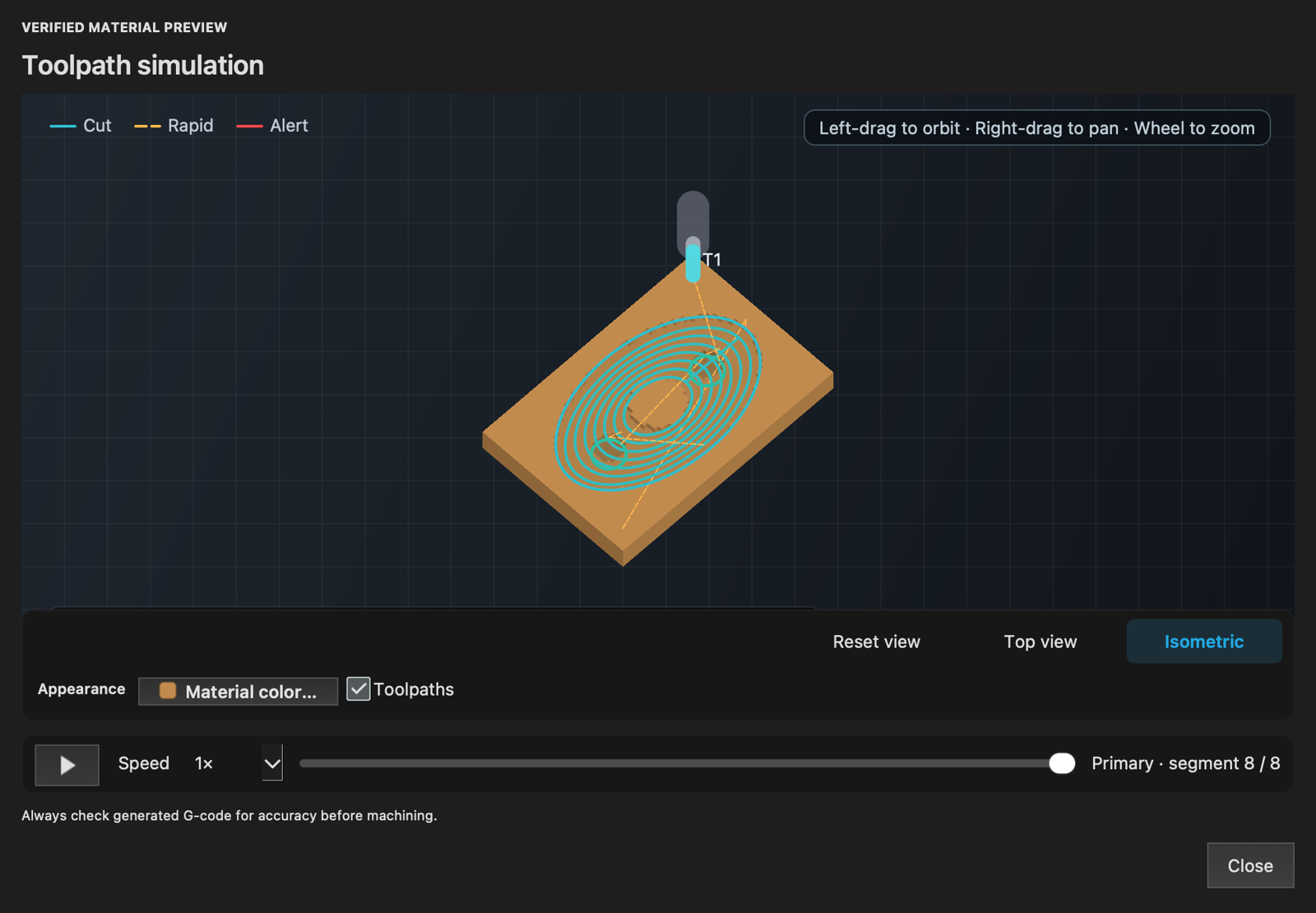
Build manufacturing setups, stock, tools, machines, and 2.5D or 3D operations from the model. Preview the posted toolpath and material result before export. Generated G-code still requires independent controller review, a dry run, and safe machine setup.
Describe what you want to create and work with an AI assistant to build, inspect, and refine solid geometry in VPath. Built-in Model Context Protocol (MCP) support connects your design workspace to compatible AI tools, bringing conversational design into precision 3D CAD.
Use Codex, Claude Code, or a compatible local LLM through MCP. Explore a shape, develop its details, and iterate on dimensions with AI-assisted CAD tools.
Connect on your computer through local MCP. Prefer a cloud-based AI provider? Use a secure tunnel you configure to connect a compatible service.
AI-assisted edits use VPath’s native modeling tools and editable history. Inspect the geometry, adjust it yourself, and use Undo and Redo as your design takes shape.
MCP is optional and disabled by default. You choose when to enable it and what access to allow. To keep an AI workflow fully local, use a local model and client; cloud AI tools process shared information under their provider’s terms.
Explore ornamental shapes, detailed features, and segmented designs. Download these native VPath projects to inspect the models and try your own changes.
These projects were saved in VPath 1.2.0. Open them in VPath 1.2.0; earlier versions may not support them. Click or tap any screenshot for a closer look.
A miniature guitar with a shaped body, sound hole, bridge, strings, and frets.
Download project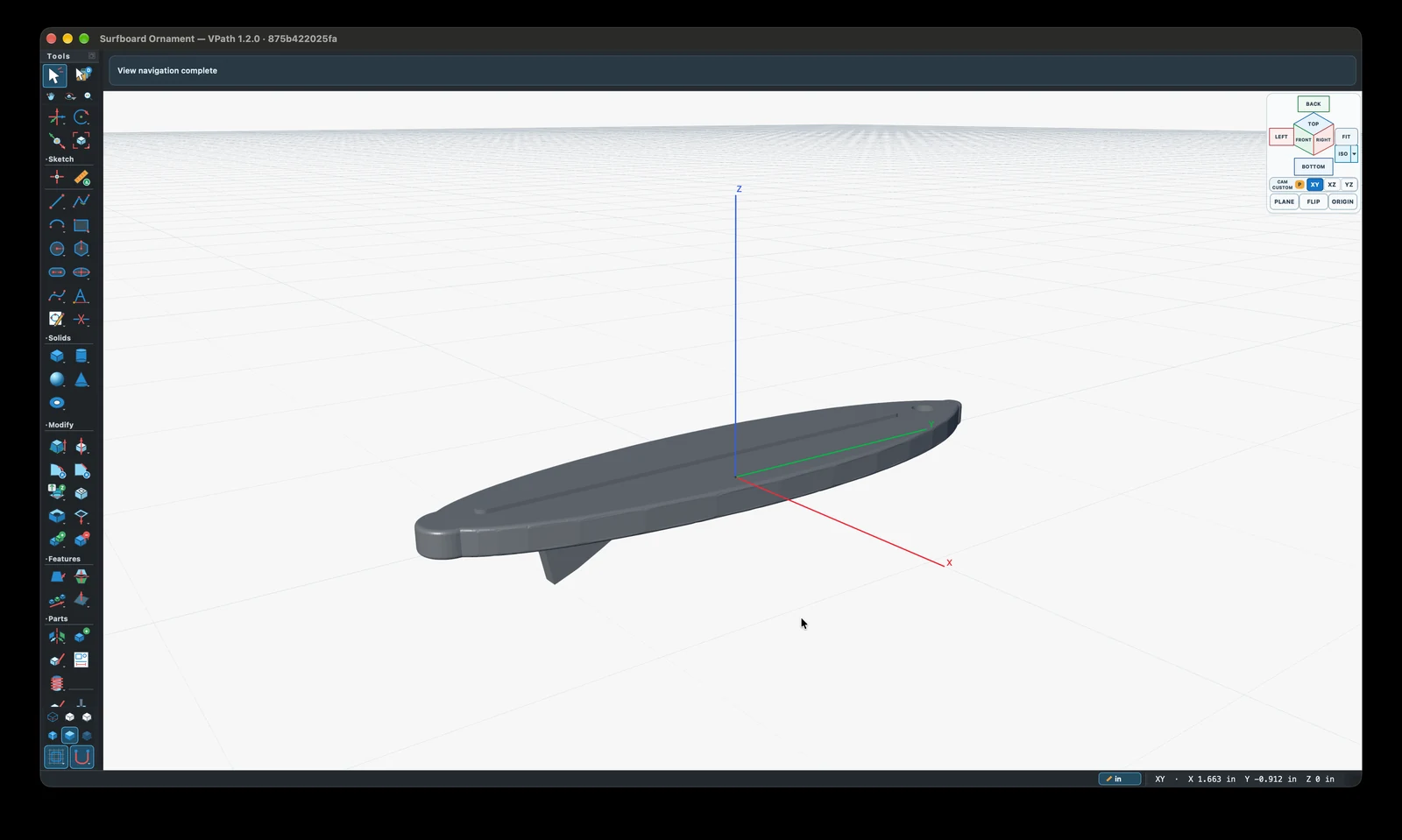
A streamlined board with a raised center detail, underside fin, and hanging hole.
Download project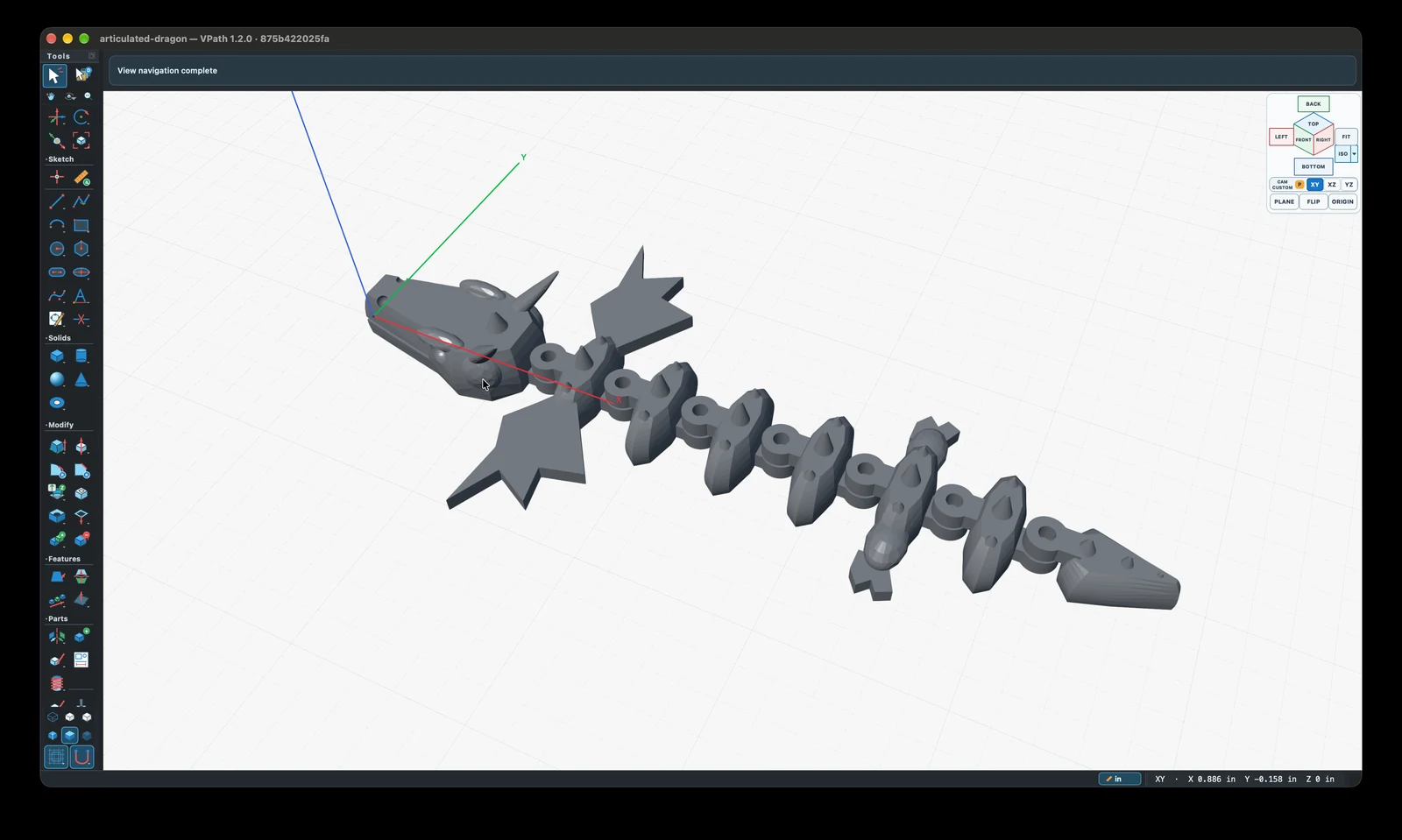
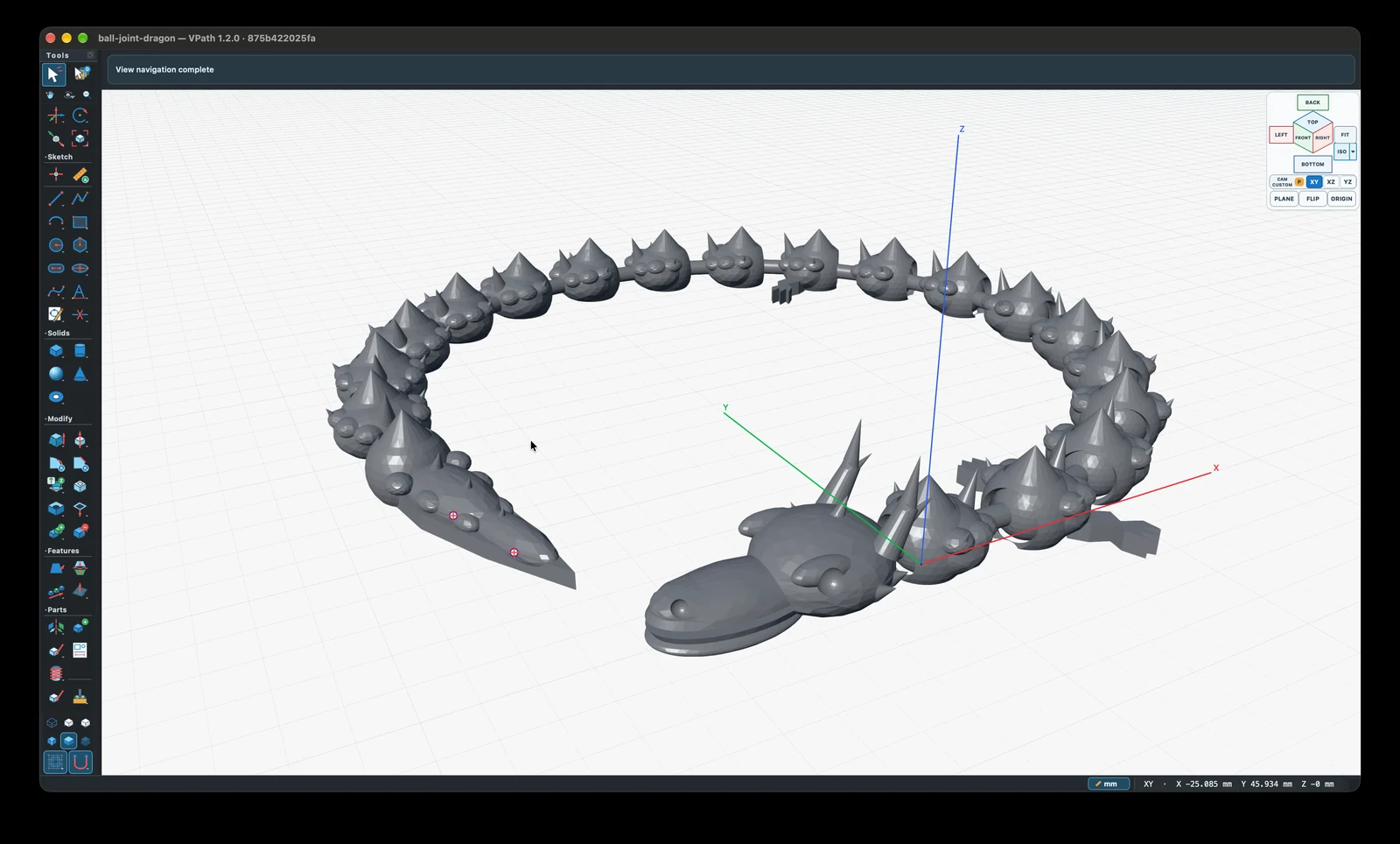
A dragon design with repeated body segments, joint features, wings, and a detailed head.
Download project
A curved dragon design exploring rounded segments, ball-joint features, and sculpted details.
Download project| Windows | Windows 10 version 2004 or later |
|---|---|
| Windows hardware | 64-bit x64 or ARM64 processor with compatible graphics drivers |
| macOS | macOS 26 Tahoe or later on Apple silicon |
| Account | None |
| Network | Not required for modeling, documents, rendering, drawings, or CAM |
| Native documents | .vpath packages with versioned model data and integrity checks |
| Geometry interchange | STEP, IGES, STL, OBJ, DXF, SVG, PDF, and PNG where applicable |
VPath does not require an account and does not include advertising, analytics, telemetry, tracking, or online activation. Models, machine definitions, recovery data, and generated G-code remain on your computer unless you choose to share them.
Connecting an AI assistant is your choice. A local LLM can keep the AI workflow on your computer; an external AI client or cloud provider may receive model information you allow it to access. Its own privacy practices apply.
For product questions, Windows or macOS feedback, bug reports, or feature requests, use the VPath support page. It includes the contact information and diagnostic details that make a report actionable.